Good starting point
- rack-mount or wall-mount enclosure planning
- front adapter panels matched to rear trunks
- cassette transitions with a defined polarity method
- high-density moves, adds and changes with labeling and service-access needs
Passive fiber organization for serviceable links
Select enclosures, panels, cassettes and adapters from the rack layout and fiber schedule, not as generic accessories added after the cabling is chosen.
Commercial overview
Fiber-management hardware turns trunks and patch cords into an operable rack layout. Port count alone can hide incompatible cassettes, blocked access, excessive bend, uncertain polarity or an unserviceable rear path. PhotonVerge organizes approved enclosures, panels, cassettes, adapters and routing accessories by mounting format, capacity and interface. A reviewable RFQ includes rack units, front and rear connector types, port count, fiber grade, polarity method, cable entry, labeling, patching density and quantity by location.
Product taxonomy
Each hardware type owns a distinct part of the structured fiber path.
Rack or wall housings that provide mounting, protection, entry and service space.
Front or rear plates that present defined connector interfaces and port counts.
Modular transitions between a rear parallel interface and front duplex or other ports.
Interface components selected by connector, polish, orientation and mounting fit.
Managers, guides and protection used to control patch paths and bend radius.
Featured family routes
These links open exact family records; use the full browser for the complete set.
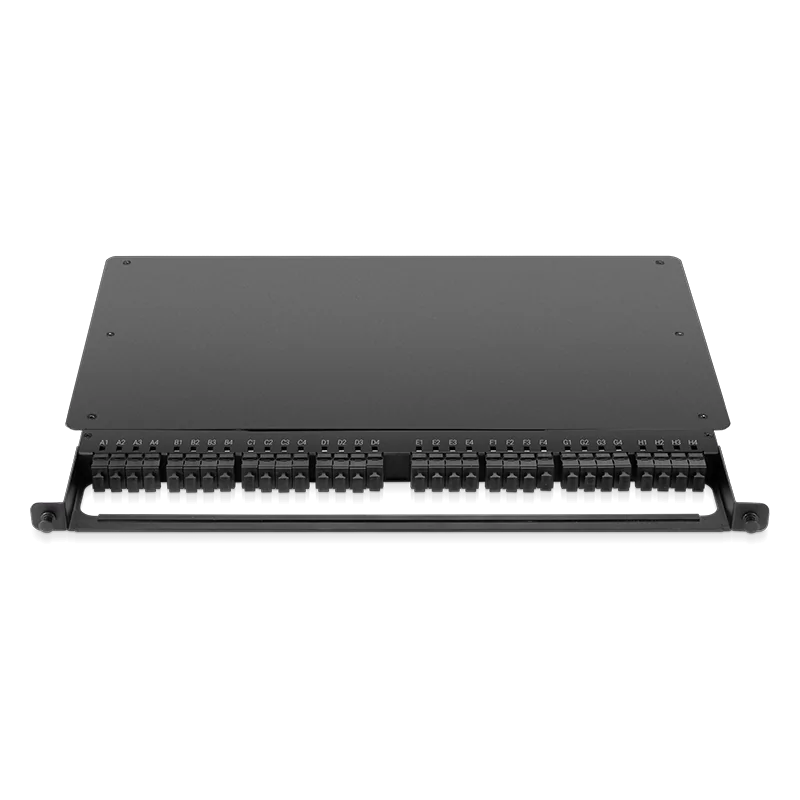 128 Fibers Type 4 Fiber Panel FEN-05UM4MPO32x8M41 exact SKU options128 Fibers Type 4 Fiber Panel FEN-05US2MPO32x8M41 exact SKU options
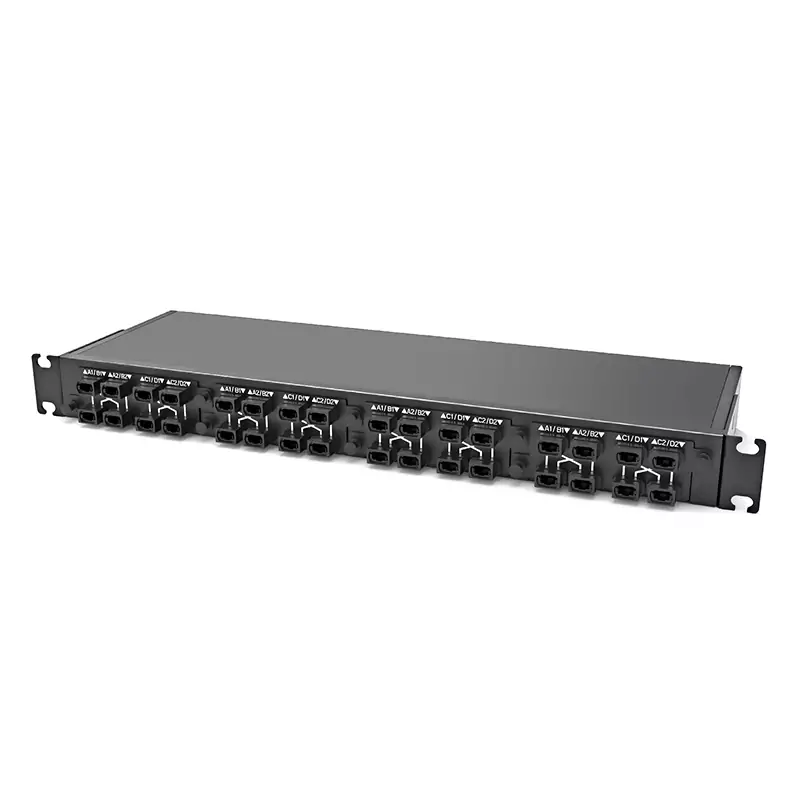 128 Fibers Type 2 Fiber Panel FEN-1UM4MPO32x8M21 exact SKU options128 Fibers Type 2 Fiber Panel FEN-1US2MPO32x8M21 exact SKU options
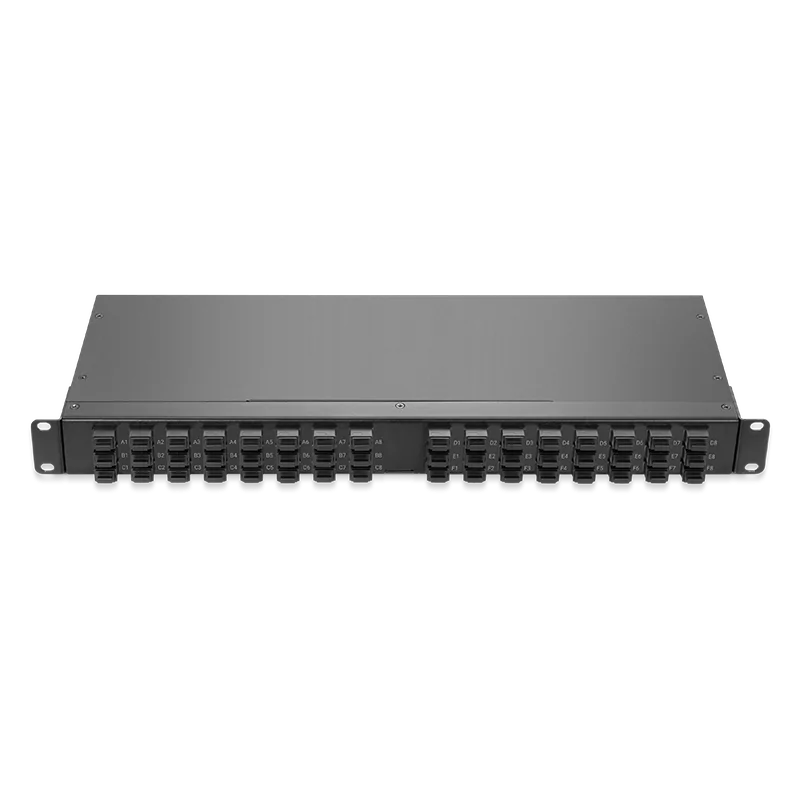 192 Fibers Type 4 Fiber Panel FEN-1UM4MPO48x8M41 exact SKU options192 Fibers Type 4 Fiber Panel FEN-1US2MPO48x8M41 exact SKU options
Buyer checklist
A successful layout balances density with access and channel integrity.
Rack width, rack units, depth and wall or rack installation.
Required live, spare and growth ports by location.
Connector type, polish, orientation and adapter layout.
Trunk connector, entry direction and strain relief.
End-to-end mapping through every cassette and patch.
Adapters, cassettes and patch points included in the channel.
Door, drawer, tray, patch and cleaning clearance.
Port naming, cable paths, bend control and change records.
Exact catalog records
Use product identity, structured specifications and exact SKU records. Search results do not assert live stock or host acceptance.
128 Fibers Type 4 Fiber Panel with 1 exact SKU option. Confirm construction, route and acceptance requirements before quotation.
128 Fibers Type 4 Fiber Panel with 1 exact SKU option. Confirm construction, route and acceptance requirements before quotation.
128 Fibers Type 2 Fiber Panel with 1 exact SKU option. Confirm construction, route and acceptance requirements before quotation.
128 Fibers Type 2 Fiber Panel with 1 exact SKU option. Confirm construction, route and acceptance requirements before quotation.
192 Fibers Type 4 Fiber Panel with 1 exact SKU option. Confirm construction, route and acceptance requirements before quotation.
192 Fibers Type 4 Fiber Panel with 1 exact SKU option. Confirm construction, route and acceptance requirements before quotation.
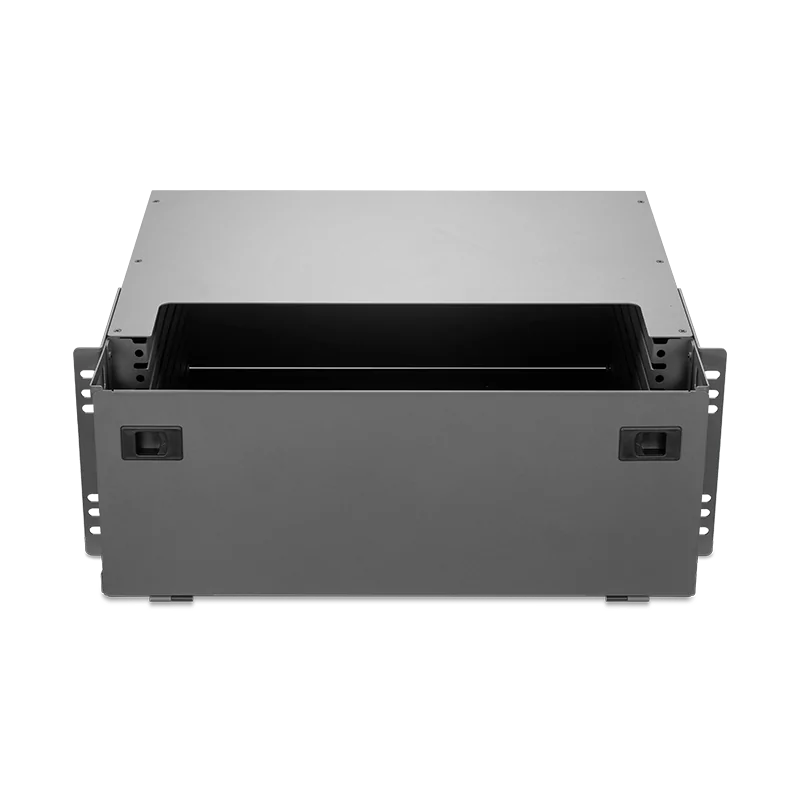
Fiber Panel FEN-4U8RMS with 1 exact SKU option. Confirm construction, route and acceptance requirements before quotation.
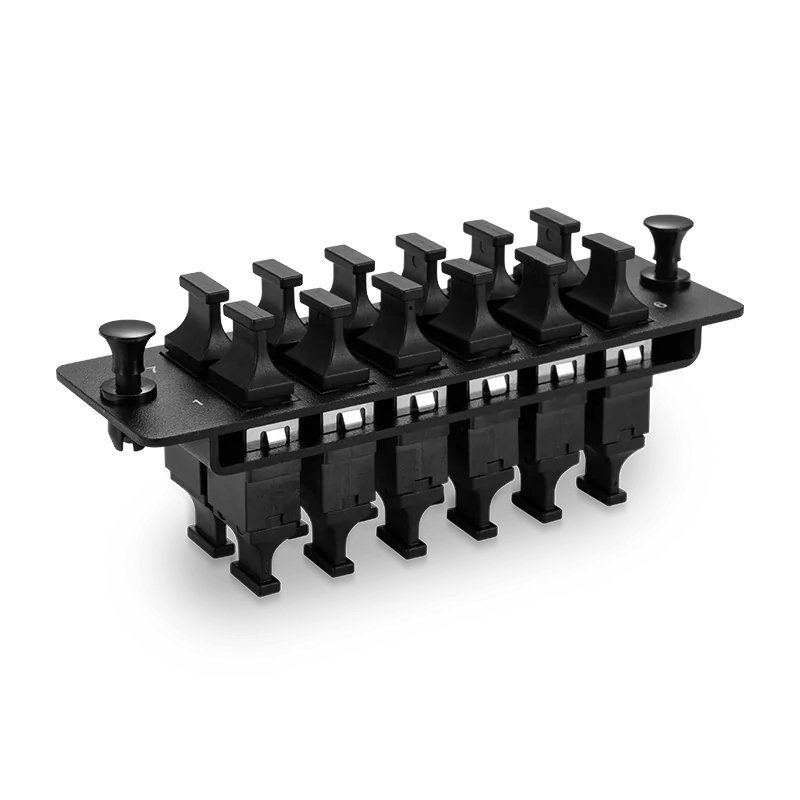
MPO 12-Port Type A Fiber Panel with 1 exact SKU option. Confirm construction, route and acceptance requirements before quotation.
MPO 12-Port Type B Fiber Panel with 1 exact SKU option. Confirm construction, route and acceptance requirements before quotation.
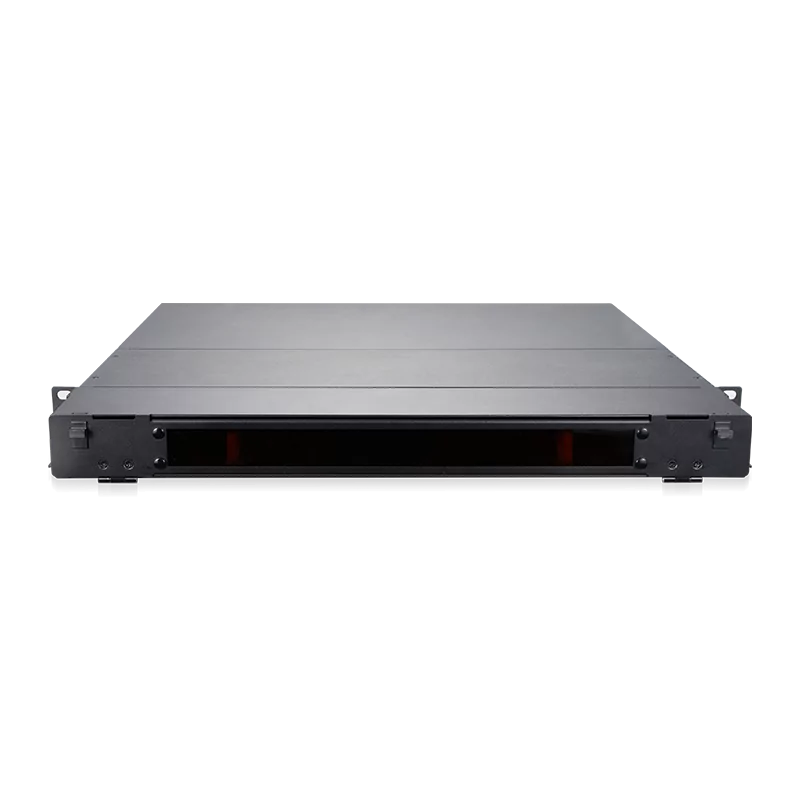
Fiber Panel FEN-1U4SD with 1 exact SKU option. Confirm construction, route and acceptance requirements before quotation.
10 product families available; page 1 of 1
Decision matrix
Avoid asking one product category to perform another category's function.
| Component | Primary role | Selection driver | Common planning error |
|---|---|---|---|
| Enclosure | House and protect components | Rack units, depth, access and capacity | Counting nominal ports without service space |
| Adapter panel | Present connector interfaces | Connector, polish, orientation and port count | Ignoring the rear cable path |
| Cassette | Transition and map fibers | Rear and front interfaces, polarity and loss | Mixing polarity methods |
| Adapter | Mate two connector ends | Gender, polish, key and mounting | Assuming physical fit proves channel correctness |
| Routing accessory | Guide and protect patches | Bend radius, pathway and density | Adding managers after cable lengths are fixed |
Engineering boundary
A cassette may fit an enclosure but still present the wrong connector, polarity or fiber map. An adapter may mate physically while using an unsuitable polish. Confirm enclosure compatibility, front and rear interfaces, complete polarity method and channel loss. The associated trunks and patch cords remain separate SKUs and should be mapped rather than implied.
Application planning
The same port count can require different access, density and growth plans.
High-density parallel fiber with strict polarity, labels and patch access.
Mixed old and new interfaces staged through documented panels and cassettes.
Facility fiber requiring clear ownership, growth ports and serviceable patching.
Frequent moves and changes where labels and front access reduce errors.
Supply coordination
The hardware BOM should be traceable to each rack and channel role.
Separate live, spare and growth capacity.
Record connectors, cassettes, trunks and patch interfaces.
Verify the channel through every transition.
Confirm rack units, depth, cable entry, bend and access.
Test fit, labels, patching and maintenance tasks.
Group exact hardware and accessory quantities by deployment phase.
Buyer validation
Approval should connect the hardware to the channel and service workflow.
Technical resources
Use the relevant guide to resolve a specific decision; product-specific evidence is confirmed for the quoted SKU.
Buyer questions
Count usable live, spare and growth ports per rack unit, then verify door, tray, adapter, patch-cord and cleaning access. Nominal adapter capacity may not equal serviceable capacity in the installed rack. Include front and rear cable managers, bend radius, connector clearance and the technician's moves-adds-changes procedure before fixing the final density.
A trunk is the cable assembly connecting defined endpoints. A cassette is management hardware that transitions and maps fibers between rear and front interfaces. They are separate products with separate polarity, connector and loss details. The design should show how the selected trunk, cassette and front patch cords create one end-to-end channel.
No. Check the enclosure's approved module format, mounting mechanism, dimensions, orientation and capacity. Then verify the cassette's rear and front connectors, polish, polarity, fiber count and loss. Physical insertion is only one part of compatibility; the resulting optical map and technician access must also be correct.
Provide rack or wall location, rack units, required live and spare ports, front and rear connector types, fiber grade, polarity method, trunk entry, cassette or panel preference, patching density, label standard, quantity by rack and deployment schedule. Include drawings or a port schedule when available so the hardware can be checked as an assembled system.
Verify exact SKU, dimensions, mounting fit, doors or trays, panel and cassette fit, connector interfaces, polarity mapping, labels, cable entry and service access. If the item contributes to channel loss, include it in the approved loss budget. A sample rack position can expose clearance and routing issues before the full quantity is released.
Procurement guide
Count active, spare and planned ports by rack or zone. Separate nominal capacity from the density technicians can actually maintain.
Define front patches, rear trunks, adapters, cassettes, polish, gender and polarity. Every transition belongs in the channel map.
Check depth, doors, trays, cable entry, bend, cleaning clearance and route loss before choosing the highest-density option.
Assemble and label a representative position, test technician tasks and verify the channel. Then release hardware quantities by rack or phase.
Structured B2B request
Provide mounting, capacity, front and rear interfaces, polarity, loss and technician-access requirements by rack or zone.
No live-stock, lead-time or compatibility commitment is inferred from this page. The selected SKU and commercial terms are confirmed in the written offer.
B2B inquiry desk
Use the message field for part number, host model, firmware, reach, quantity, destination and required documents.